Grammarly
AI writing assistant for grammar, style, tone, and clarity across all platforms.
What is Grammarly?
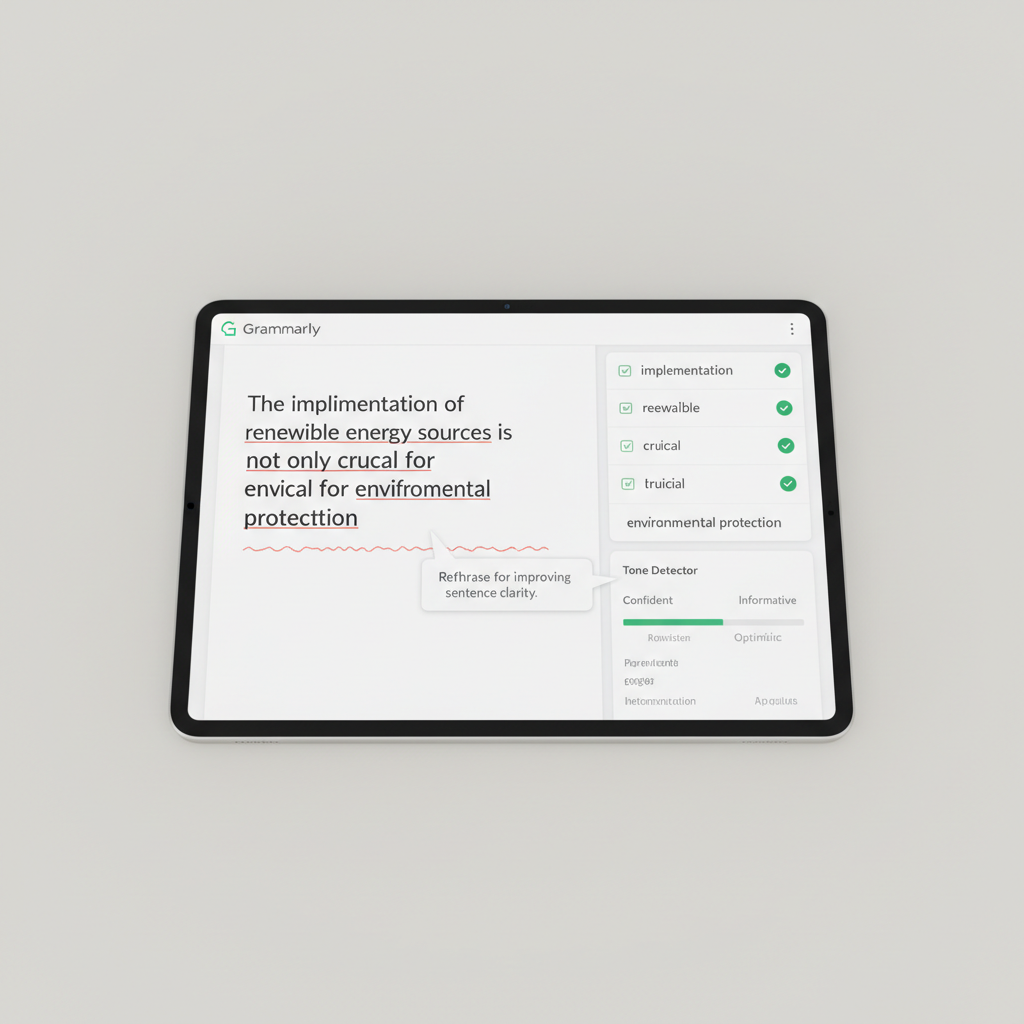
Grammarly is the most widely used AI writing assistant, with over 30 million daily active users. It checks grammar, spelling, punctuation, clarity, engagement, and delivery in real-time across browsers, desktop apps, and mobile. Grammarly Business adds brand tone guidelines, style guides, and team analytics. The AI rewrite feature can rephrase entire sentences or paragraphs to improve clarity and tone. GrammarlyGO, the generative AI feature, can draft emails, summarize documents, and generate content from prompts. It integrates with virtually every writing surface including Gmail, Outlook, Google Docs, and Microsoft Word.
Use Cases
- Proofreading emails and professional documents
- Improving clarity and readability of writing
- Checking tone for professional communication
- Rewriting sentences for better impact
- Generating email drafts with GrammarlyGO
Key Features
Pros & Cons
Pros
- Works everywhere — browser, desktop, mobile
- Most comprehensive grammar checking available
- Excellent free tier for basic use
- Integrates with all major writing platforms
Cons
- Can over-correct natural writing style
- Premium features require paid plan
- GrammarlyGO less capable than ChatGPT for generation
Frequently Asked Questions
Is Grammarly free?
Yes. The free tier includes grammar, spelling, and punctuation checks. Premium at $12/mo adds style, tone, clarity, and plagiarism features.
Does Grammarly work in Google Docs?
Yes. The Grammarly browser extension works in Google Docs, Gmail, Outlook, and virtually any web-based writing surface.
Is Grammarly safe for confidential documents?
Grammarly encrypts all data in transit and at rest. Business plans offer additional security controls. Review their privacy policy for sensitive use cases.